
SDK Demo IVA
The Mobile Locker SDK Demo is an Interactive Visual Aid (IVA) built to show developers how to use @mobilelocker/javascript-sdk effectively inside the Mobile Locker iOS app (and other host shells) — not as a standalone website.
| Source & issues | github.com/mobilelocker/mobilelocker-sdk-demo |
| Stack | Vue 3, Vuetify, Vite, Vue Router (hash history) |
| SDK | @mobilelocker/javascript-sdk (same major as this package) |
| How to use it | Open the demo presentation in the Mobile Locker app |
How to use the demo
Section titled “How to use the demo”- Install / open the Mobile Locker app (iOS is the primary target for scanner and many bridge features).
- Open your team’s SDK Demo presentation (your admin publishes it like any other IVA; staging teams often use presentation id 37976).
- Use the side nav (or mobile tab bar) to switch screens.
- Match what you see to the domain guides below when you need the full API contract.
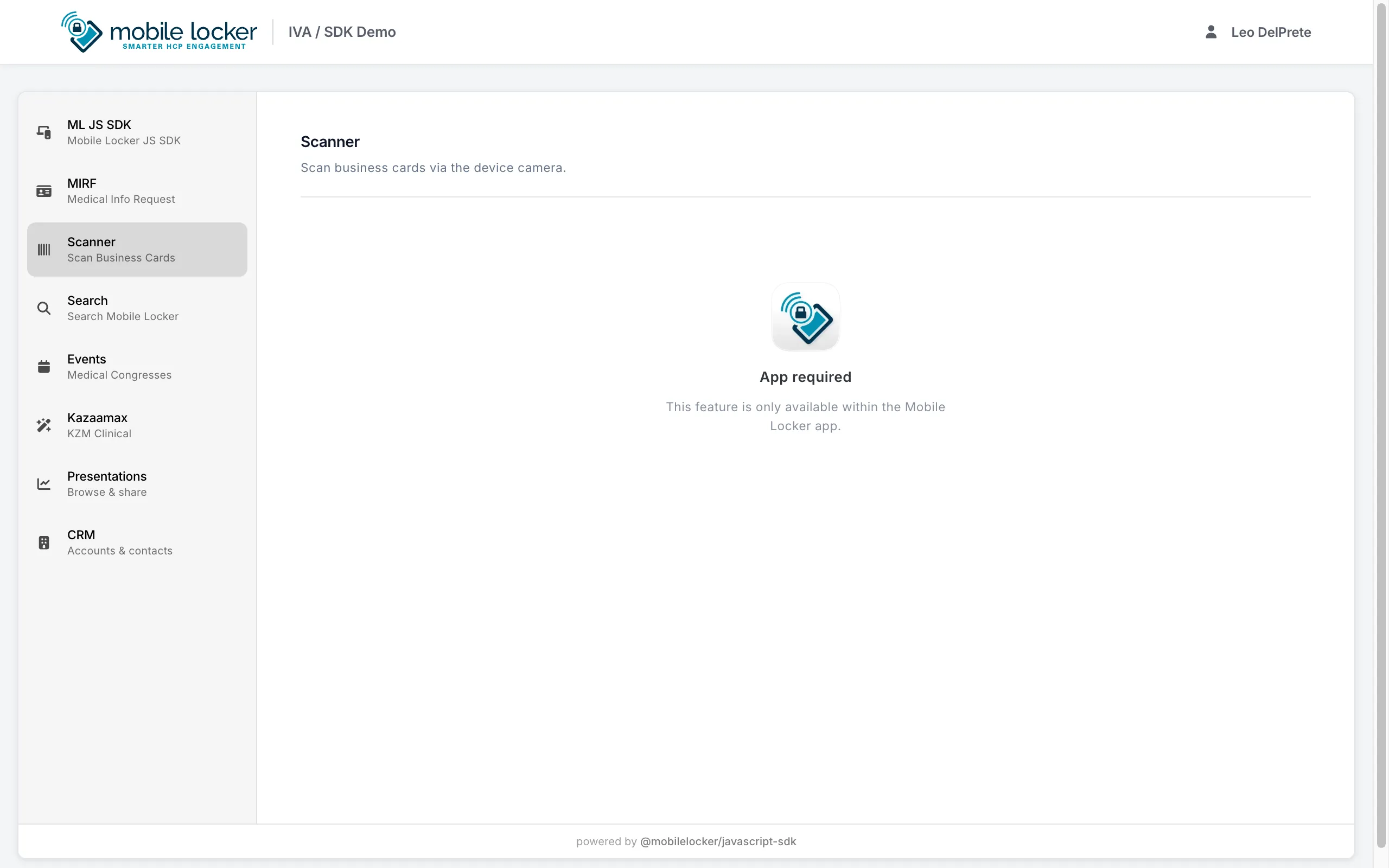
Do not treat a bare browser tab as the supported way to learn the demo. Outside the host, flags stay false, CRM lists stay empty, and screens like Scanner correctly show App required.
Source on GitHub
Section titled “Source on GitHub”Repository: https://github.com/mobilelocker/mobilelocker-sdk-demo
Use the repo to:
- Read how the IVA wires
@mobilelocker/javascript-sdk - File issues / follow updates for the demo presentation
- Contribute changes (packaging and deploy scripts live there)
This docs site does not replace the repo or host a runnable copy of the IVA.
Screenshots
Section titled “Screenshots”Layout and navigation of the demo IVA. Captured for orientation only — run the presentation in Mobile Locker for real data and device features.
Environments (#/mljs)
Section titled “Environments (#/mljs)”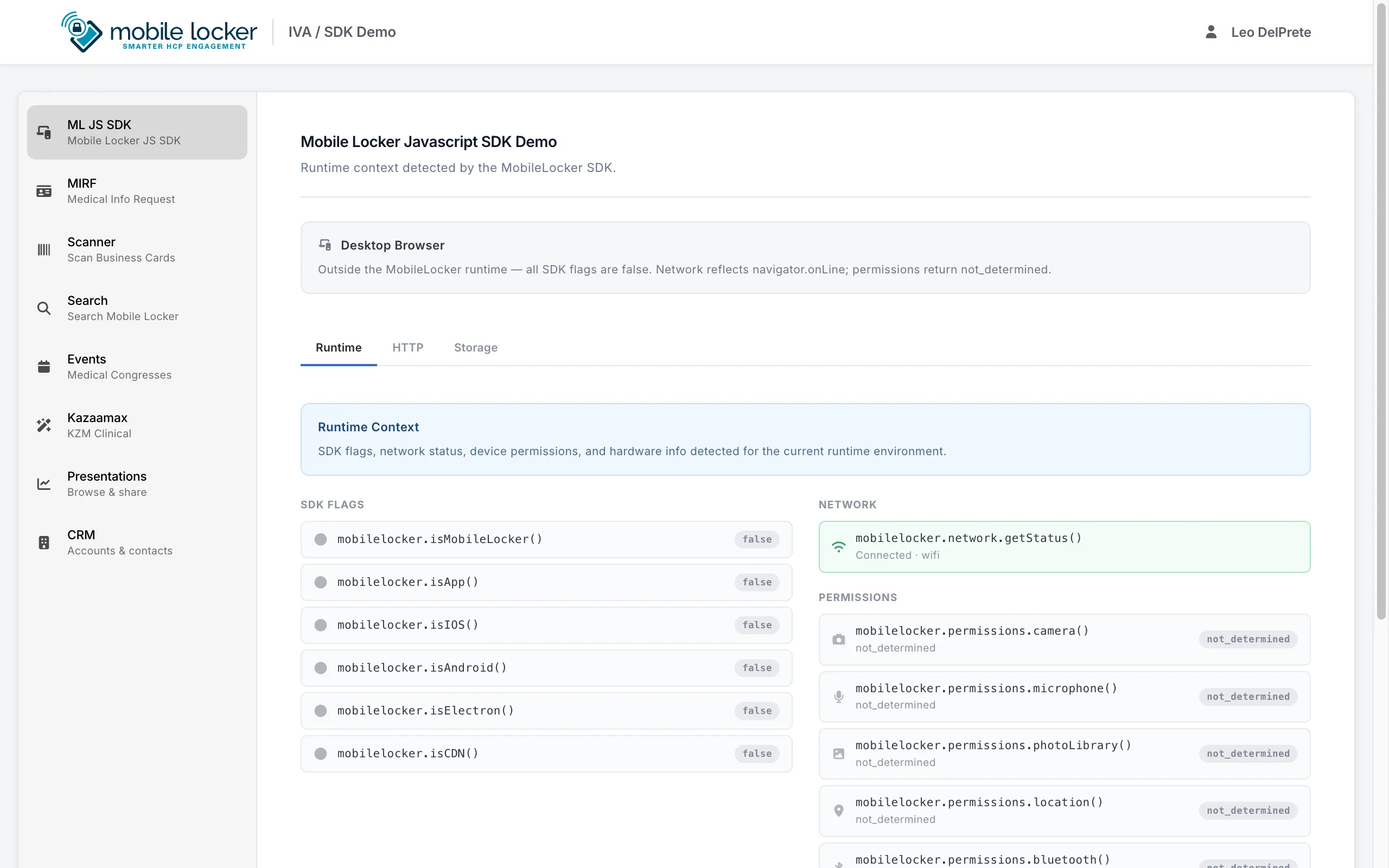
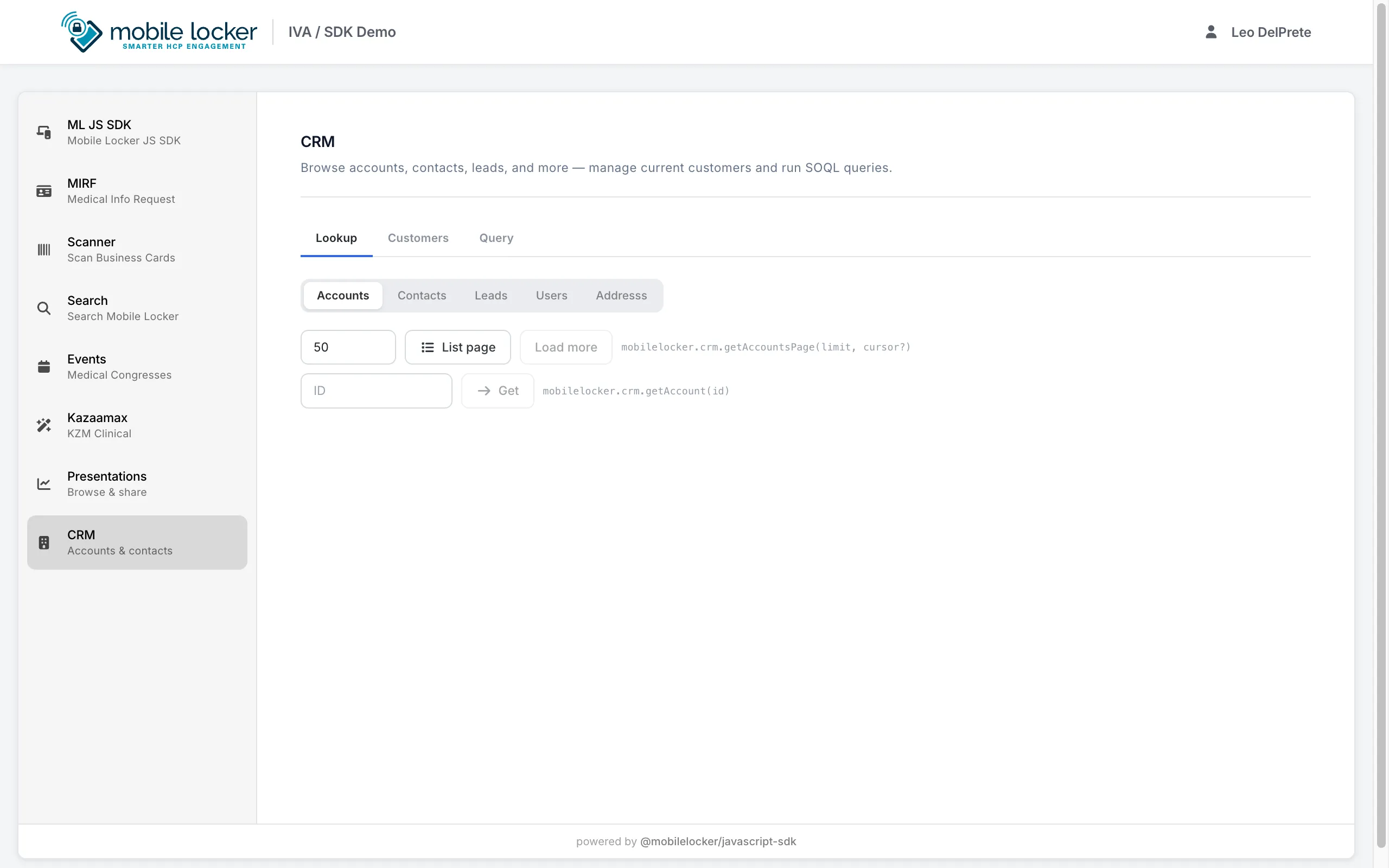
CRM (#/crm)
Section titled “CRM (#/crm)”Cursor-paged lookup UI (getAccountsPage / List page / Load more):
Scanner (#/scanner)
Section titled “Scanner (#/scanner)”Outside the app the screen gates correctly; in the iOS app you get the native scanners:
Presentations (#/presentation)
Section titled “Presentations (#/presentation)”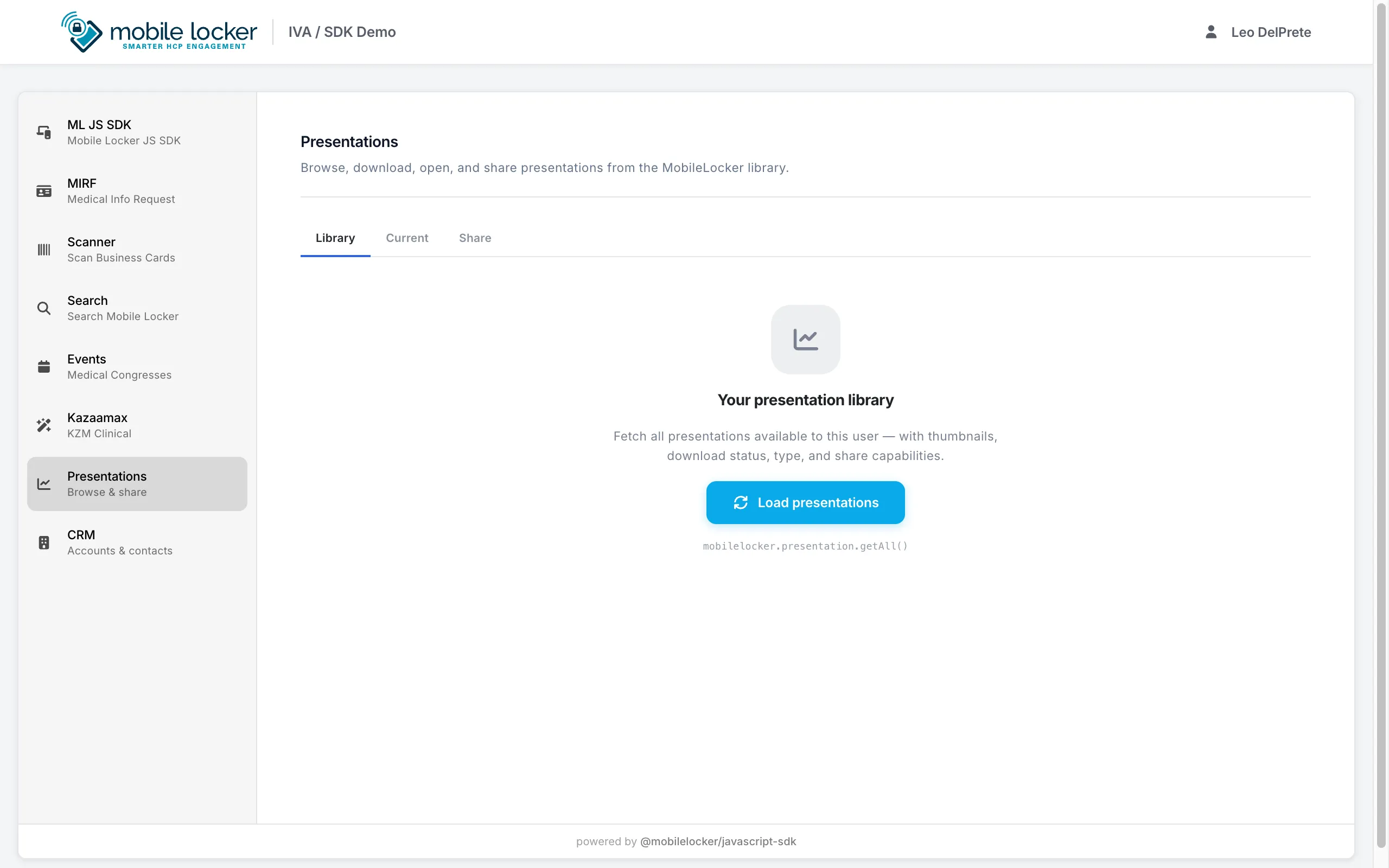
What you can explore
Section titled “What you can explore”| Demo screen | Route | What it shows | Read in docs |
|---|---|---|---|
| ML JS SDK (environments) | #/mljs |
isIOS / isApp / network / permissions / device / toolbar |
Environments · Device · Permissions · Network · UI |
| CRM | #/crm |
SOQL query, current customers, picker, refresh, cursor-paged entity walks | CRM · Errors |
| Scanner | #/scanner |
Business card / badge scan (iOS) | Scanner · Congresses |
| Search | #/search |
Cross-entity search | Search |
| Presentations | #/presentation |
Current presentation, library, open / download | Presentation |
| Events | #/events |
Session / device events | Session · Presentation |
| MIRF | #/mirf |
Form capture patterns | Data · Share |
| Kazaamax | #/kazaamax |
Sample product / content flow | Data · Analytics |
How this relates to these docs
Section titled “How this relates to these docs”┌─────────────────────────────────────┐│ Starlight docs ││ Guides · Domains · API reference │└─────────────────┬───────────────────┘ │ explains / deep-links ▼┌─────────────────────────────────────┐│ SDK Demo IVA (in Mobile Locker) ││ Screens → host bridge APIs │└─────────────────┬───────────────────┘ ▲ │ source of truth for the IVA┌─────────────────┴───────────────────┐│ github.com/mobilelocker/ ││ mobilelocker-sdk-demo │└─────────────────────────────────────┘| Goal | Use |
|---|---|
| Understand an API | Domain guide + API reference |
| See UI + host behavior | Demo IVA in the Mobile Locker app |
| Read / contribute demo source | mobilelocker-sdk-demo on GitHub |
| Ship your own IVA | Install · Getting started · patterns from the demo repo |
Version alignment
Section titled “Version alignment”Keep the demo’s @mobilelocker/javascript-sdk dependency on the same major as this package so screens and domain guides describe the same methods (eachPage / get*Page / crm.query, and so on).